🛡️
Live security dashboard
Arrange plugin-driven widgets for bans, geoblocks, access activity, assets, updates, insights, and historical trends.
Turn homelab events, access logs, CrowdSec decisions, asset inventory, and update signals into correlated insights, notifications, and controlled actions.

OpenSecDash brings the complete planned v1 workflow into one understandable, self-hosted UI:
Datasources → Enrichment → Events → Insights → Dashboard / Explorer → Notifications / ActionsIt is not a Grafana replacement. Instead of asking you to build a general-purpose observability stack, OpenSecDash focuses on security-oriented homelab workflows: IP-centric investigations, structured event filters, access-log correlation, deterministic insights, asset inventory, update signals, plugin health, notifications, and controlled CrowdSec actions.
One characteristic OpenSecDash workflow is the persistent ASN response: an Operator marks an ASN from Events or Access, and future public IPs that GeoIP assigns to that ASN receive ordinary seven-day CrowdSec IP decisions. Individual false classifications can be kept as ASN-specific IP exceptions. The first access must already have reached the service before OpenSecDash can classify it, so blocking can happen no earlier than the second access; asynchronous enrichment, LAPI latency, errors, and bouncer updates can allow further accesses too.
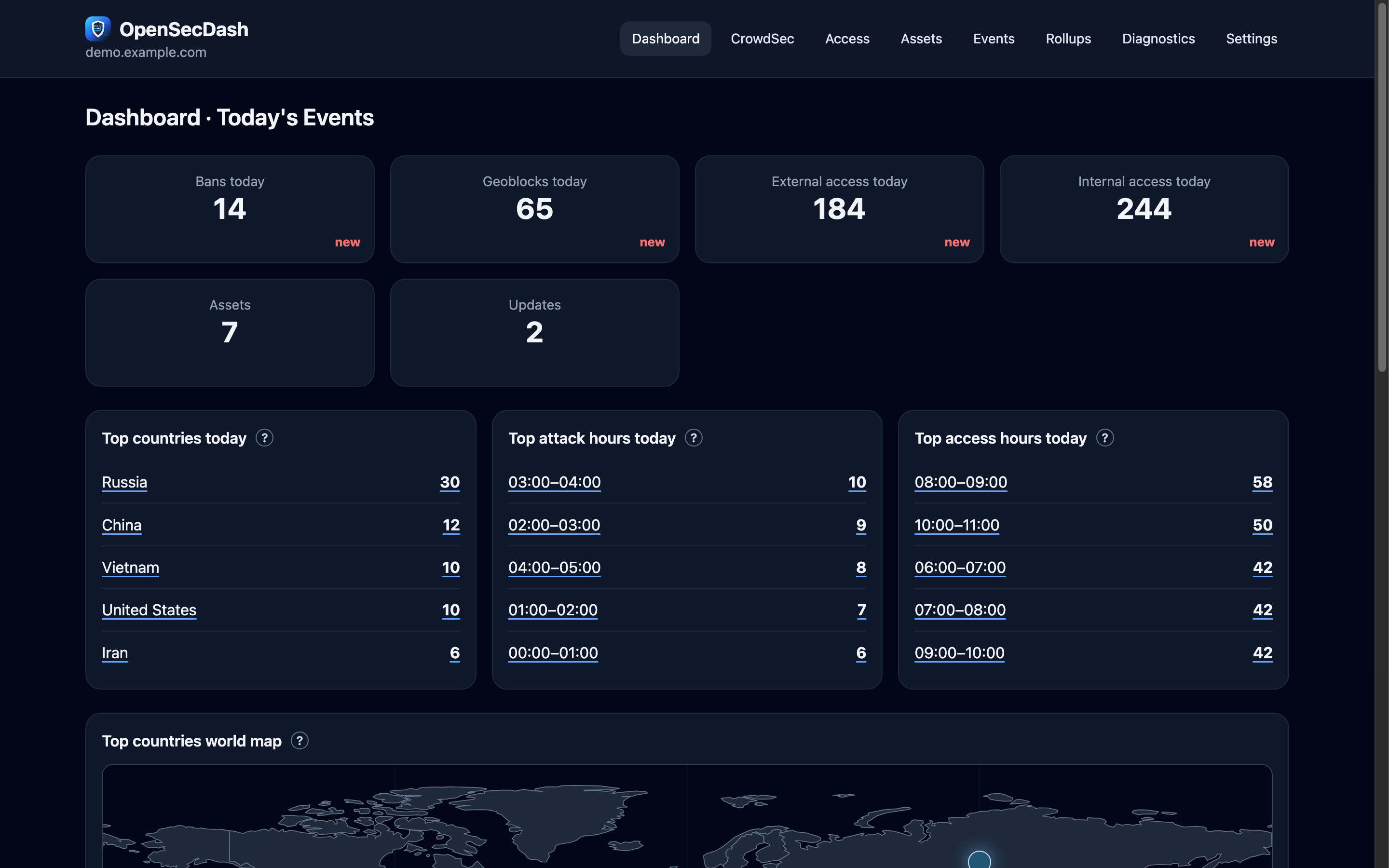
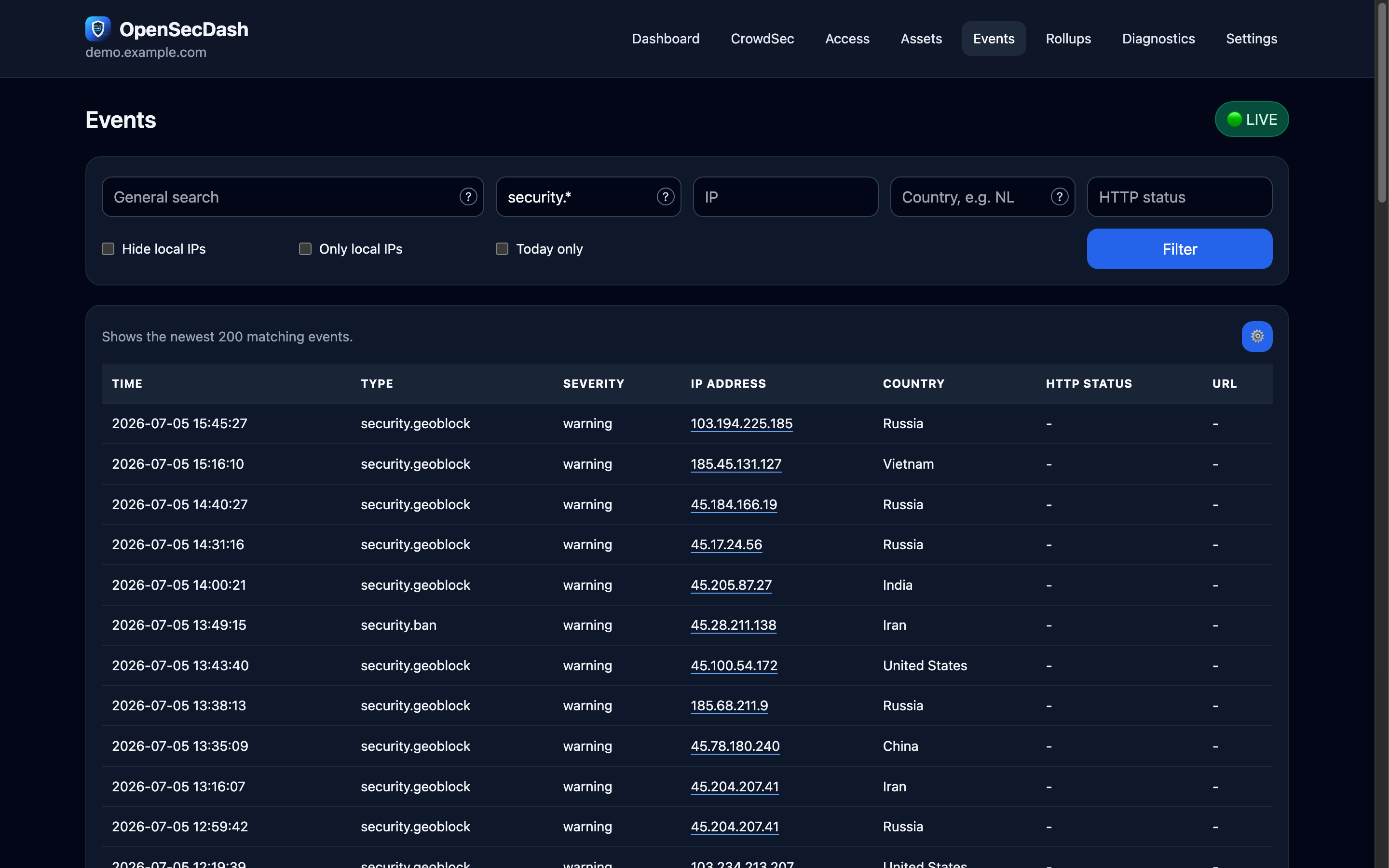
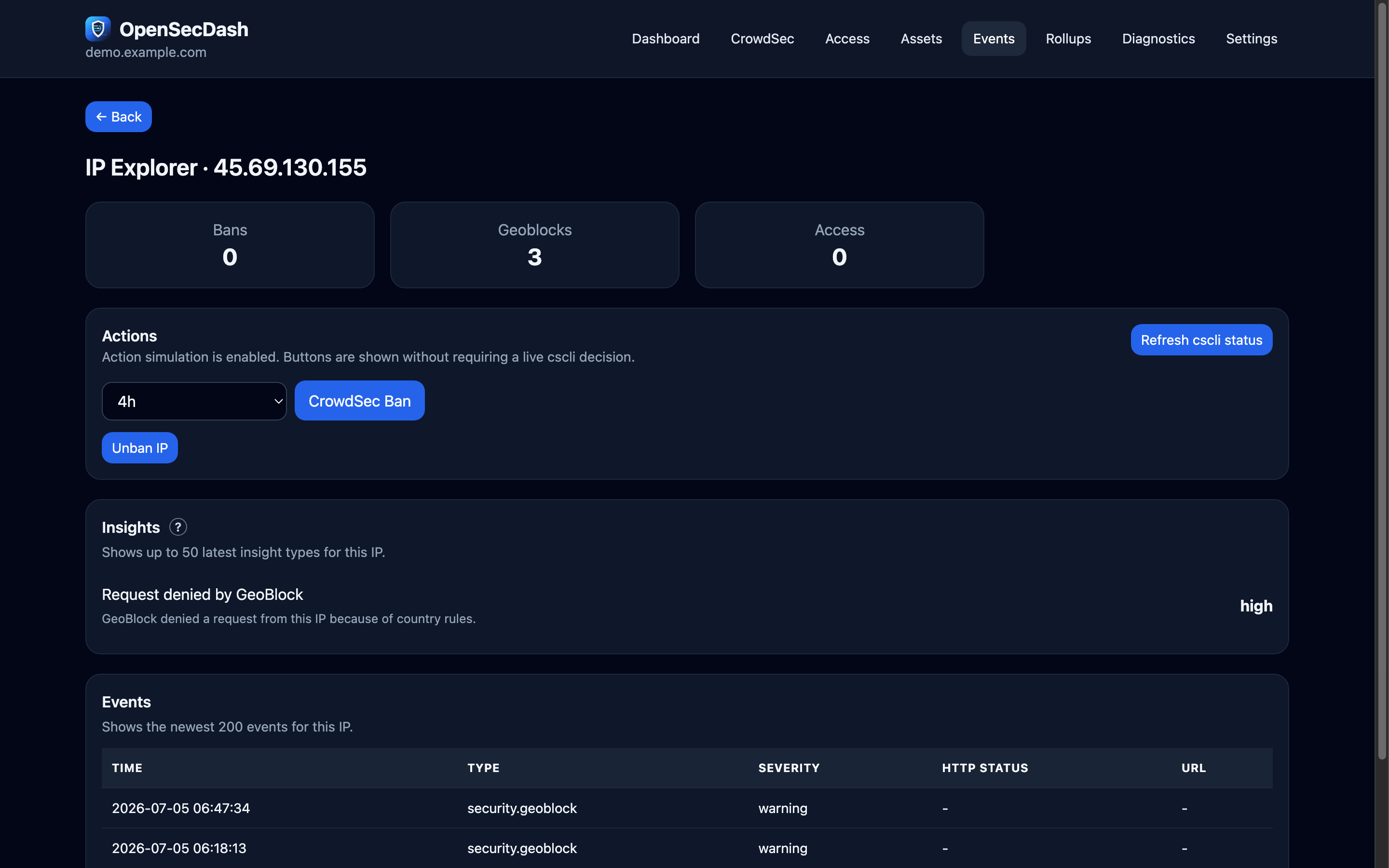
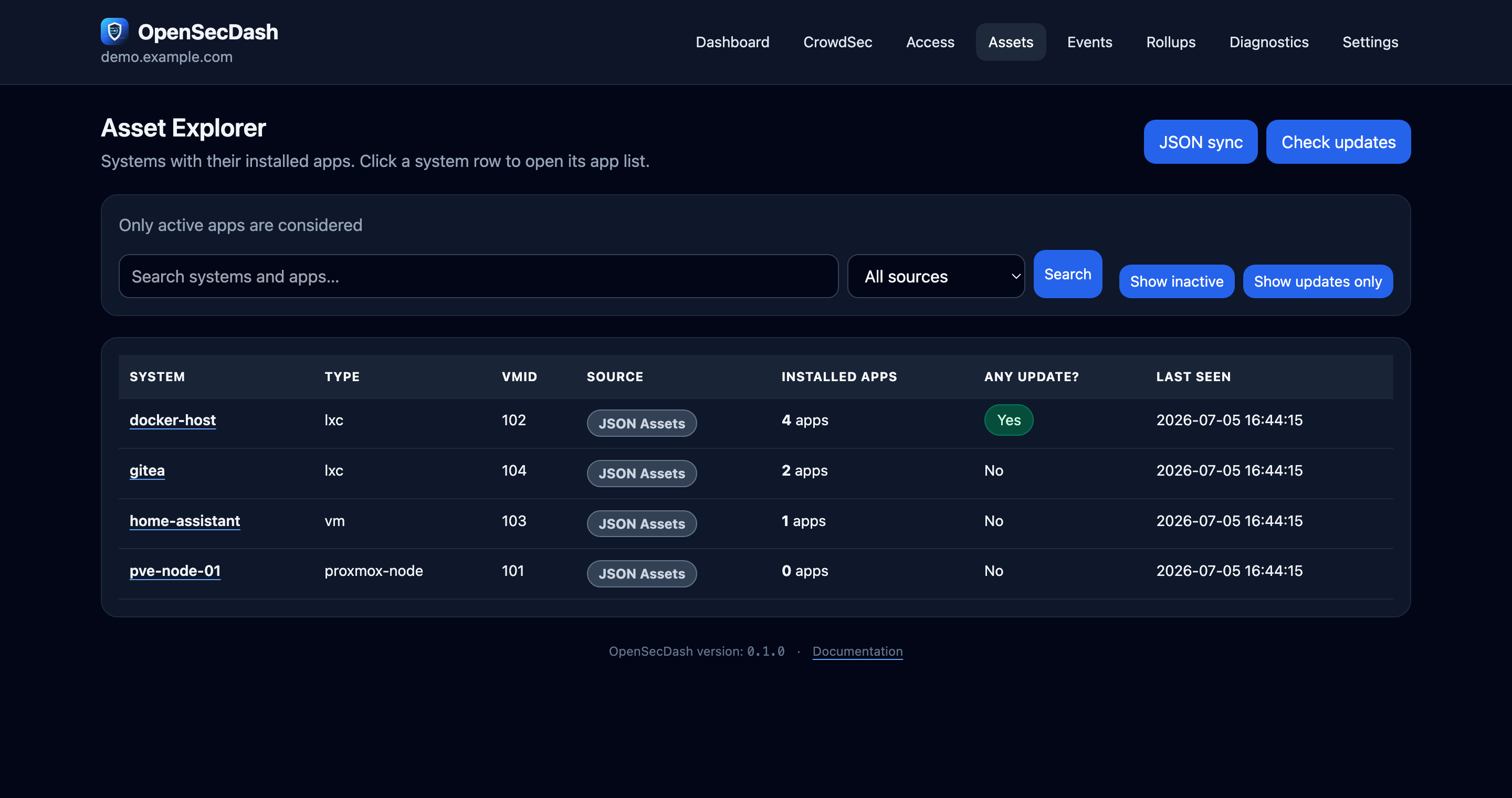
Filter and save security investigations, inspect one IP with a click, and keep an eye on your apps and their updates:
The recommended installation method is Docker Compose. It keeps Python dependencies, the database location, log handling, and file permissions reproducible.
cp docker/docker-compose.example.yml docker-compose.yml
docker compose up -d
OpenSecDash includes internal sign-in with Viewer, Operator, and Admin roles. A new installation starts with it enabled and guides the first visit through a one-time setup for the first Admin account; existing deployments keep their current access model when they are updated. Even with internal sign-in enabled, keep the dashboard internal, behind a VPN, or behind a trusted HTTPS reverse proxy.